
For a long time, “Does Walmart take Apple Pay?” was one of those questions you only asked after you were already standing at the register with a cart full of groceries and a dying phone battery.
Now the answer is finally shifting to yes. Walmart is rolling out Apple Pay acceptance across its U.S. stores, with full nationwide availability targeted by the end of 2026. And judging by the internet’s reaction, people are treating it less like a payments update and more like a long-overdue modern convenience.
“We really got Apple Pay in Walmart before GTA 6”
That line (and variations of it) basically sums up the vibe: shoppers have been waiting forever, and the wait became the joke.
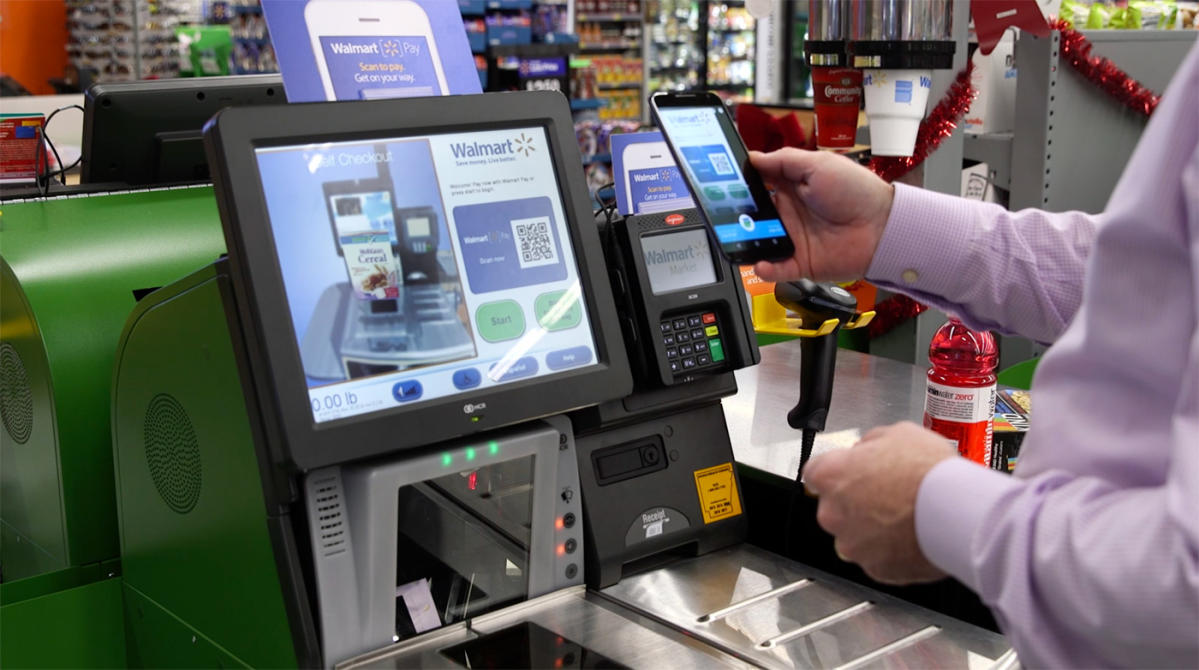
What actually changed for shoppers
Once Apple Pay is live at your local store, the biggest change is simple: you can tap your iPhone or Apple Watch on the contactless reader instead of digging for a physical card or opening a retailer-specific app.
In practical terms, here’s what that can improve for everyday shopping:
- Speed at checkout: Tap-to-pay is usually faster than chip insert, and it can be faster than pulling up an app, logging in, and scanning a QR code.
- Fewer “oops” moments: If you left your wallet in the car, Apple Pay can save the trip back across the parking lot.
- More flexible budgeting tools: Apple Pay works with whatever card you load into it, including cash-back cards or a dedicated “groceries-only” card you use for tracking.
The key detail: this is a rollout. Some stores will get it sooner than others, and for a while you may have a “yes at one Walmart, no at the next one” experience depending on location and register upgrades.
Why Walmart resisted Apple Pay for so long
If you’ve felt like Walmart was one of the last major places forcing you to use a physical card, you weren’t imagining it. Walmart was a big holdout on Apple Pay even as tap-to-pay became normal at pharmacies, coffee shops, and plenty of other big retailers.
The short, shopper-friendly explanation is this: payments are not just “how you pay,” they’re “who owns the customer relationship.”
When you use a mobile wallet like Apple Pay, the experience stays inside Apple’s ecosystem. But when you use a retailer’s system (like Walmart Pay), the store can tie payment more tightly to receipts, savings programs, and app usage. That matters because it can drive repeat visits and make it easier to market other services.
So why change now? Because consumer expectations changed. Tap-to-pay is no longer a “nice extra,” it’s becoming a standard feature. At a certain point, not offering it creates friction, and friction costs sales.
How to use Apple Pay at Walmart (once it’s live)
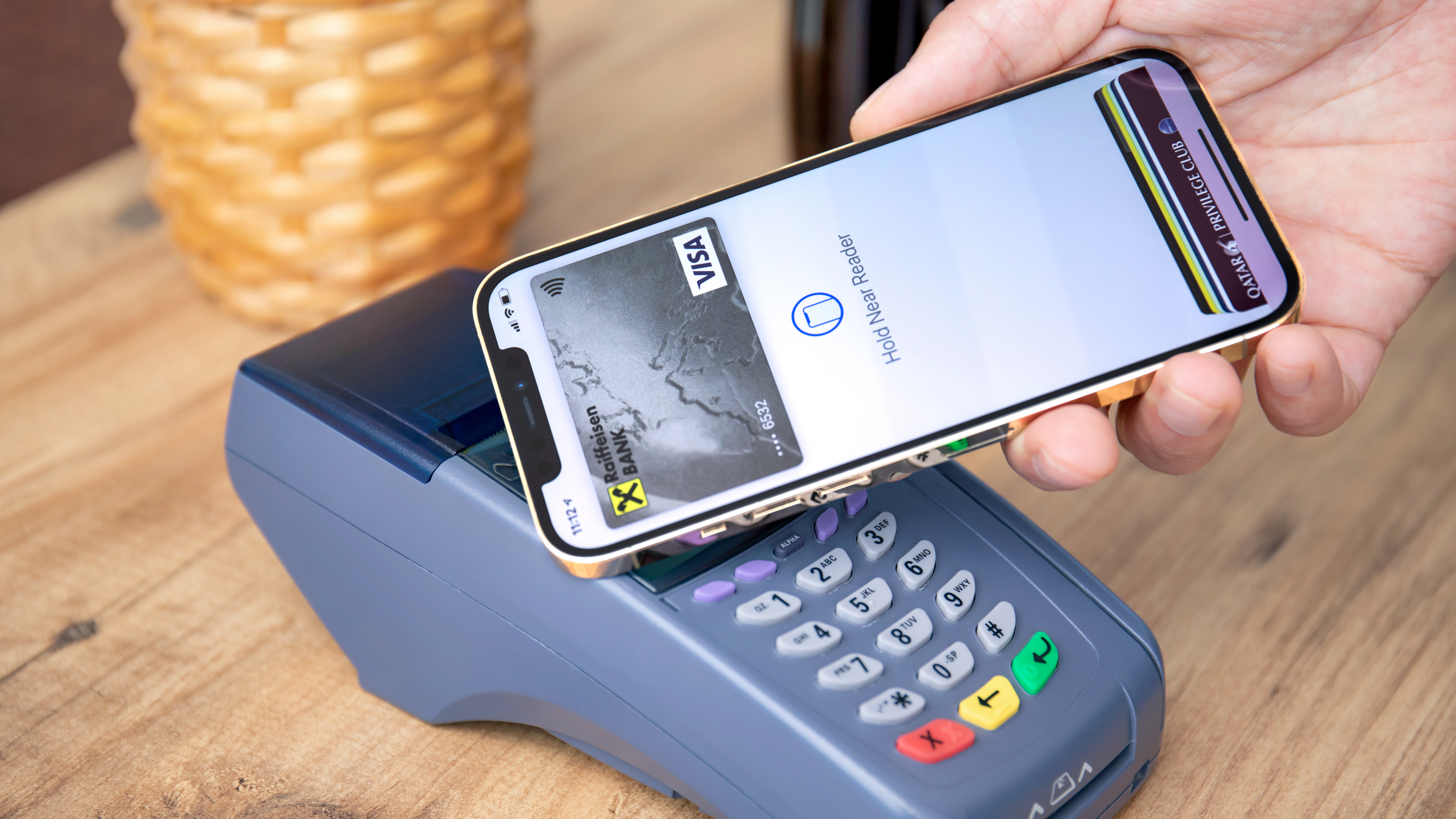
If you already use Apple Pay elsewhere, the routine will feel the same. Here’s the quick version:
- Confirm Apple Pay is set up on your iPhone (Wallet app) and that you have a card added.
- At checkout, look for the contactless symbol on the card reader.
- Double-click the side button (Face ID iPhones) or use Touch ID prompts on older models.
- Hold your phone or watch near the reader until it confirms payment.
Pro tip from a recovering debt guy: if overspending is a struggle, mobile payments can feel “too easy.” Consider using one dedicated card in Apple Pay for Walmart runs and set a weekly budget target for groceries and household items.
Does this make Walmart Pay pointless?
Not necessarily. Think of Walmart Pay and Apple Pay as two different tools:
- Apple Pay is about convenience, speed, and using the card(s) you already like, with strong device-based security.
- Walmart Pay is about integrating payment with Walmart’s app ecosystem, including receipts and other app features.
For some shoppers, Walmart Pay will still be worth keeping if you like having everything inside one app. For others, Apple Pay is the “finally” moment because it means you can shop like you do everywhere else.
What about Google Pay and other tap-to-pay options?
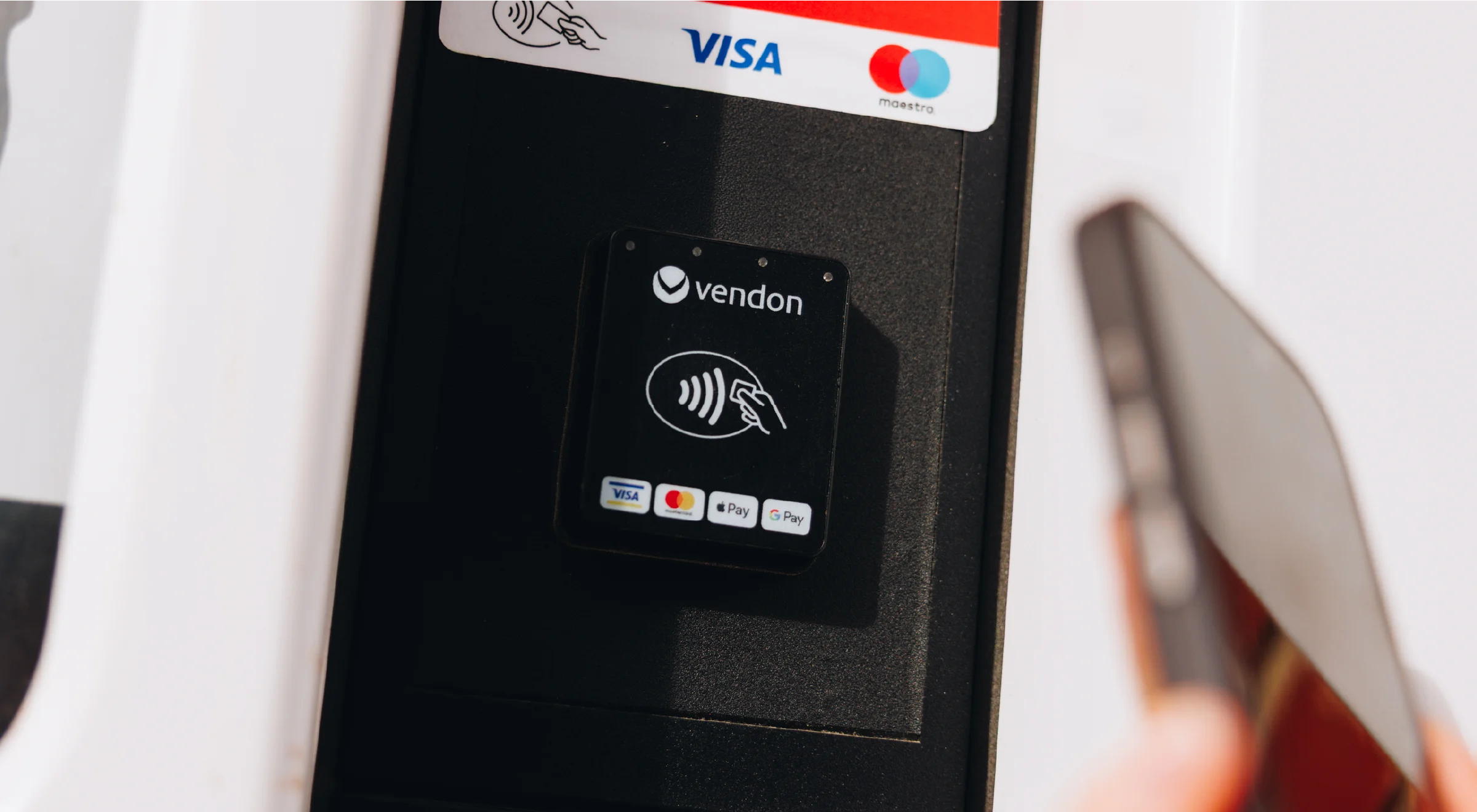
Apple Pay is the headline for a lot of people, but the broader shift is that Walmart is moving toward modern contactless payments at checkout. That typically means support expands beyond one wallet and includes other tap-to-pay methods shoppers already use.
If your household is mixed (one iPhone, one Android), that matters. You want the same smooth checkout regardless of who’s doing the grocery run.
Will Apple Pay make checkout cheaper (or just easier)?
Mostly easier. Apple Pay itself does not automatically create discounts. The price you pay is still driven by:
- In-store pricing and promotions
- The rewards on the card you load into Apple Pay (cash back, points, etc.)
- Your own shopping plan (list, budget cap, and impulse control)
That said, there is one real money angle: using Apple Pay can make it easier to consistently use your best rewards card instead of defaulting to whatever physical card is in your wallet.
Quick FAQ
Is Apple Pay available at every Walmart today?
No. Walmart is rolling it out across U.S. stores, with full nationwide availability targeted by the end of 2026. In the meantime, availability can vary by location.
Will Apple Pay work at self-checkout?
In most retailers, self-checkout works the same as staffed lanes once the payment terminals support tap-to-pay. If a self-checkout station has the contactless reader enabled, Apple Pay should work there too.
What should I do if Apple Pay doesn’t work at my store?
Have a backup. Keep a physical card or use cash, and consider keeping Walmart Pay set up during the transition period. Rollouts can be uneven, and not every register gets updated at the same time.
Is Apple Pay safe to use?
Apple Pay uses device-based security and does not share your actual card number with the cashier. You still need to protect your Apple ID and use Face ID, Touch ID, or a strong passcode.
My bottom line
This is one of those changes that sounds small until you feel it in real life. Walmart adding Apple Pay removes an annoying bit of checkout friction for millions of people who already pay with their phone everywhere else.
If you’re a value-spender like me, the win is not just tapping your phone. It’s tapping your phone with the right card, sticking to a simple grocery budget, and walking out of Walmart without that “why did I buy this?” regret.