
Switching banks sounds like one of those “I will do it someday” money tasks, right up there with organizing your receipts and finally canceling that random subscription you forgot existed.
I get it. When I was digging out of debt, my biggest fear was missing a bill, overdrafting, or having a paycheck vanish into the void because I changed something too fast.
Here is the good news: switching banks can be boring in the best way. You just need a simple order of operations and a short overlap period where both accounts stay open.

Before you start: Pick the right new bank
Not every “better” bank is actually better for your life. Before you move anything, confirm these basics so you don’t end up switching twice.
- FDIC or NCUA insured: FDIC for banks, NCUA for credit unions. Standard coverage is $250,000 per depositor, per institution, per ownership category (so it’s strong protection, but not unlimited).
- Fees you can live with: Monthly maintenance fees, overdraft policies, out-of-network ATM fees, and wire fees.
- Features you’ll use: Mobile deposit, Zelle or fast transfers, bill pay, budgeting tools, and multiple savings buckets.
- APY that actually pays: If you’re moving for a high-yield savings account, check that the rate is competitive and that there aren’t weird hoops like minimum balances, required monthly deposits, limited transactions, or teaser rates that drop fast.
- Access: If you deposit cash often, make sure you have a nearby ATM network or a cash deposit option.
If you want a clean setup, a common combo is: keep a checking account for bills and day-to-day spending, and park your emergency fund in a separate high-yield savings account.
Step 1: Open the new account and pick a switch date
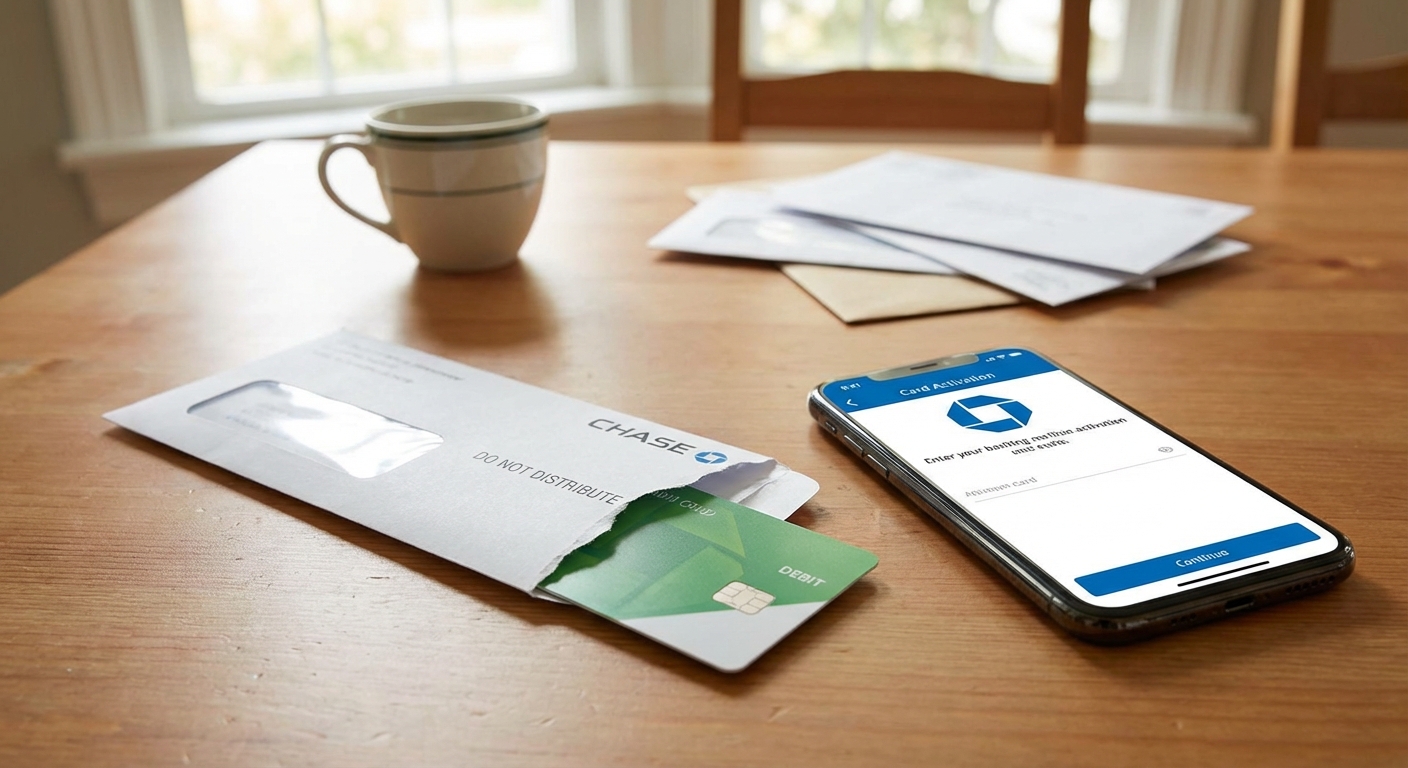
Open your new checking (and savings if you want it) and do a quick test run before you touch anything else.
Your mini-checklist
- Fund the new account with a small amount, even $25 to $100.
- Set up your login, alerts, and transaction notifications.
- Turn on two-factor authentication and update your password to something unique (this is not the moment for “Password123”).
- Order a debit card if you need one and set your PIN.
- Create a simple folder (digital or paper) called “Bank Switch” for screenshots, confirmation emails, and forms.
Pick a switch date: Choose a date 2 to 4 weeks out. That window gives you time to move deposits and bills with less stress. (If your income is complicated, you might want a longer runway.)
Quick heads up on timing: Bank-to-bank transfers (ACH) often take a few business days, and brand-new accounts sometimes have longer holds. Plan around weekends and holidays so you aren’t waiting on money that’s “in transit.”
Step 2: List every bill and every deposit
This is the step that makes the rest easy. You are building your “who needs my new account info?” list.
How to find everything fast
- Look at the last 60 to 90 days of transactions in your old checking.
- Search for repeated merchant names, “monthly,” or “recurring” labels. If your bank makes this annoying, export to CSV and sort.
- Check your employer or payroll portal for direct deposit details.
- Review payment apps (Venmo, PayPal, Cash App) linked to your bank.
- Scan your email for “renewal,” “annual,” “membership,” and “invoice” so you catch the sneaky quarterly or yearly stuff.
What to capture for each item
- Name of biller or payer
- Amount (or typical range)
- Draft date
- How it is paid (ACH, debit card, bill pay)
- Login link or phone number for updating info
Pro tip from a recovering spreadsheet addict: Add a column called “Updated?” and another called “Confirmed cleared?” You want receipts, not vibes.
Step 3: Move deposits first
Direct deposit is the anchor. Once your income starts landing in the new account, everything else gets simpler.
How to switch direct deposit without a missed paycheck
- Ask HR or your payroll provider what their cutoff date is for changes.
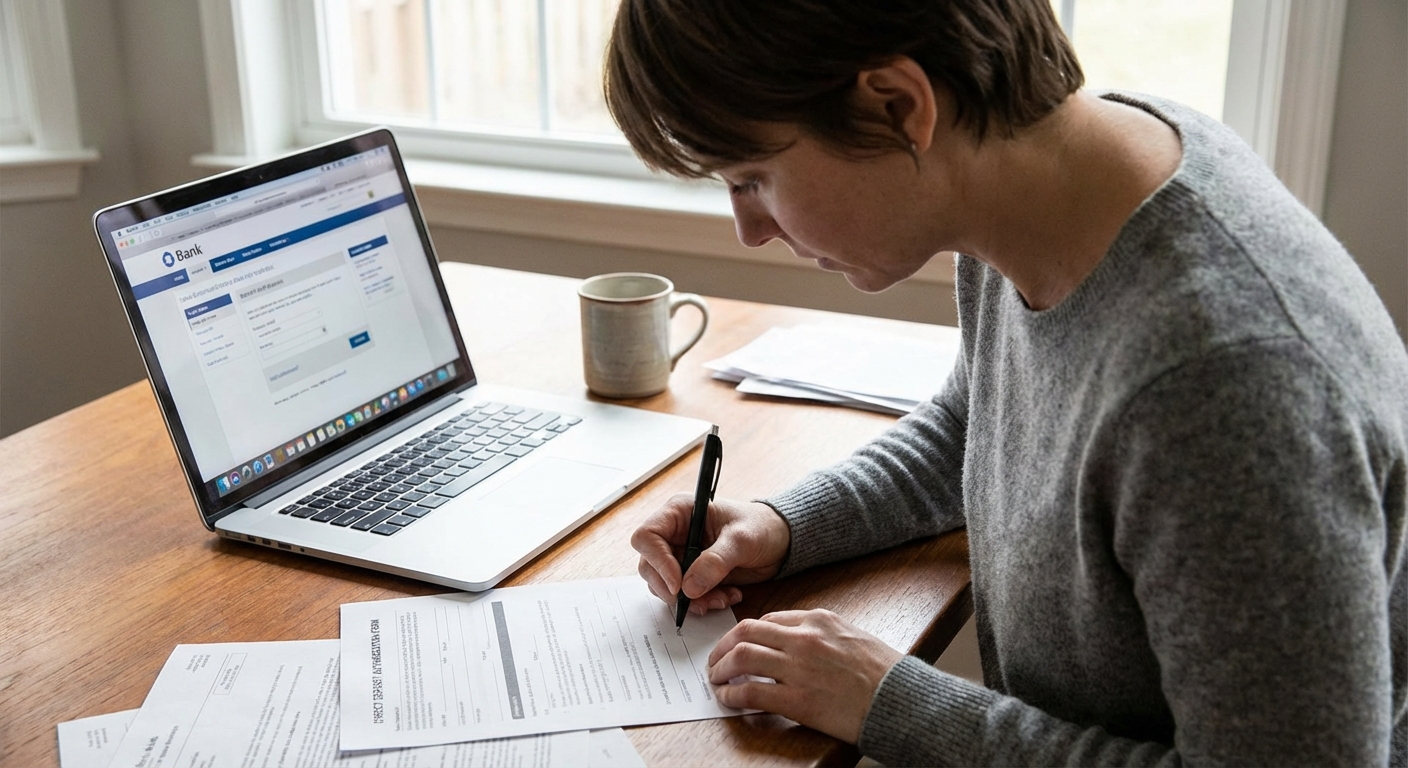
- Submit your new routing and account number as early as possible.
- Keep your old account open until you see at least one full paycheck successfully deposit into the new account. If you’re tight on cash flow, have variable pay, or just want extra safety, wait for two.
If you receive more than one type of income, do them all: paycheck, government benefits, pension, side hustle payouts, child support, or any regular transfer from a brokerage.
Note: Some direct deposits change fast, but others can take 1 to 2 pay cycles and certain government benefits can take longer. Build that into your overlap plan.
My rule: Don’t move bills until your paycheck is reliably hitting the new account. Income first, then expenses.
Step 4: Update payments in a controlled order
This is where people lose their minds, because it feels like there are 47 tiny places your card or account number is hiding. The fix is to do it in a specific order and give yourself overlap.
Best order to update payments
- Priority bills first: Rent or mortgage, utilities, insurance, car payment, student loans, credit cards, childcare.
- Then essentials: Phone, internet, any streaming you actually use.
- Then everything else: Subscriptions, memberships, apps.
Two safety tips that prevent late fees
- Don’t delete the old payment method until the new one successfully drafts once.
- Avoid switching on the due date week: If a bill drafts on the 1st, update it right after it clears, not two days before.
If your bills are currently paid using your debit card, consider switching those to ACH from checking or to a credit card you pay in full each month. Debit-card autopay can be more likely to cause overdrafts if timing is off, because debit transactions can post quickly and there is less cushion than a credit card payment flow.
Don’t forget old-bank bill pay
If you’re using your old bank’s bill pay service (where the bank sends the payment), those payees do not magically follow you. You’ll need to recreate them in the new bank’s bill pay system and confirm the first payments go through.
Step 4.5: Update links and transfers
This is the “random stuff” step that saves you from future headaches.
- External bank links: Any linked accounts that pull money via ACH (like a credit union savings account you auto-transfer to).
- Brokerage and investing transfers: Recurring deposits, scheduled withdrawals, or dividend sweeps.
- HSA/FSA reimbursements: Update where reimbursements land.
- Tax refunds: If you expect an IRS or state refund, update your tax software profile (or note it for your next filing).
- Zelle and scheduled transfers: Re-enroll Zelle if needed and rebuild any scheduled or recurring transfers tied to the old account.
- Refund magnets: Shopping returns and chargebacks sometimes go back to the original funding source. Keep the old account open while you’re in this transition window.
Step 5: Move your balance, leave a buffer, and close
Once your income and bills are flowing through the new bank, you are ready to move your cash and shut the door.
How to move money safely
- Transfer most of your old checking balance to the new bank.
- Leave a buffer in the old account for 30 days, typically $100 to $300, or enough to cover any surprise annual subscription.
- Watch the old account for any stragglers: refunds, reversals, late-posting bills, or tiny subscriptions.
When to close
Close your old account after:
- At least one paycheck has landed in the new account (two is even safer for higher-risk situations).
- All key bills have drafted from the new account at least once.
- The old account has had no posted or pending activity for about 30 days other than your buffer sitting there.
Then:
- Download statements you might need for records.
- Turn off overdraft services you don’t want.
- Contact the bank to close the account and request written confirmation if available.
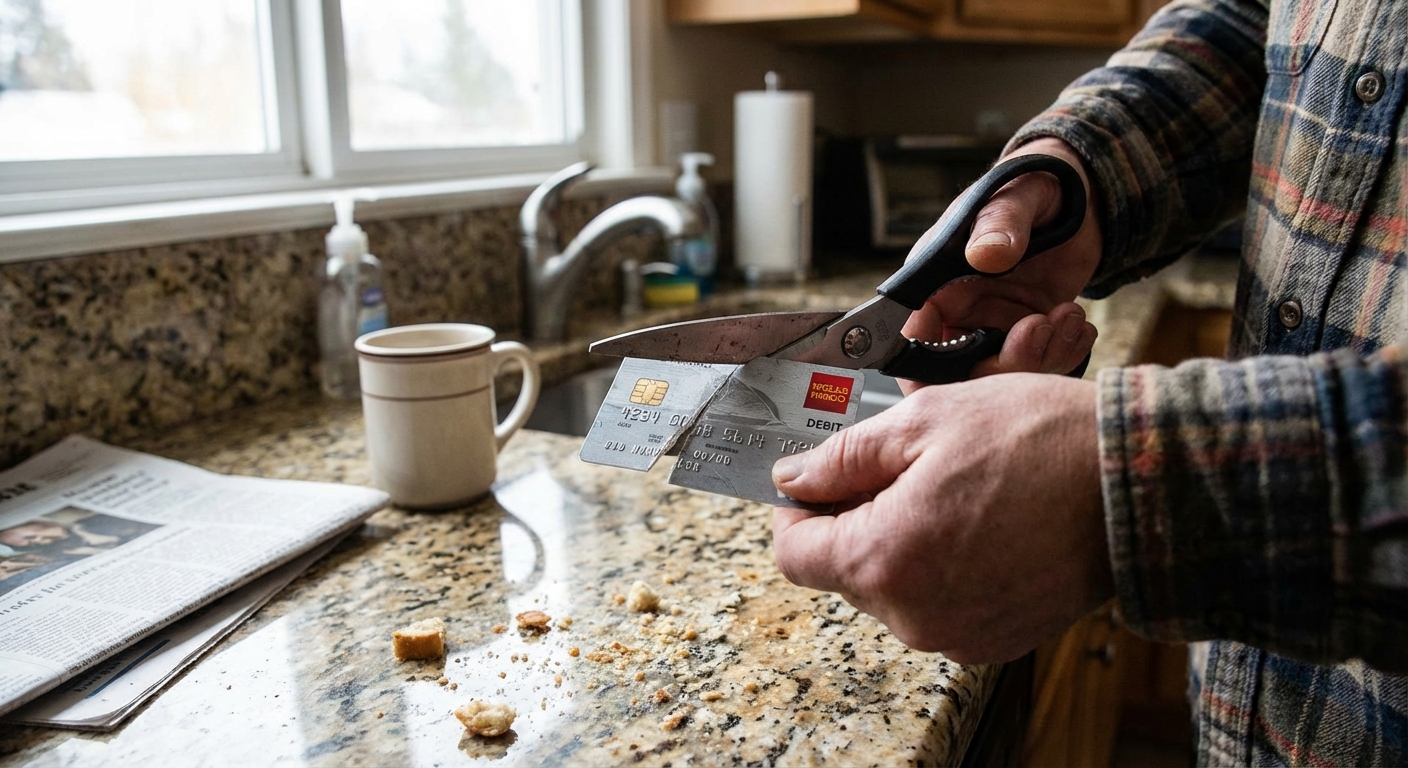
- Destroy the old debit card.
Quick checklist
- Open new account, set alerts, enable 2FA
- Pick a switch date 2 to 4 weeks out
- List all deposits and autopays from the last 60 to 90 days
- Move direct deposit and confirm at least one paycheck lands (two if you want extra safety)
- Update autopays from priority bills to subscriptions
- Recreate old-bank bill pay and scheduled transfers
- Update linked apps and accounts (payment apps, brokerage, HSA/FSA, Zelle)
- Transfer most money, leave a 30-day buffer at old bank
- Confirm no posted or pending activity, then close old account and save records
Common mistakes
Closing the old account too early
Wait until you have proof everything is flowing through the new account. Overlap is not wasteful. It is insurance.
Forgetting annual or quarterly charges
That gym membership you pay once a year is sneaky. Scanning 90 days helps, but also check your email for renewal receipts.
Not updating payment apps
Venmo and PayPal will happily keep pulling from your old bank until you tell them otherwise.
Ignoring overdraft settings
Every bank handles overdrafts differently. Set alerts and consider opting out of debit-card overdraft coverage if you prefer transactions to be declined instead of fee-charged.
Falling for “switching” scams
Bank-switch season is prime time for phishing. Don’t click random “confirm your account” links. Go directly to the bank’s site or app, and call the number on the back of your card if you’re unsure.
FAQ
How long does switching banks take?
It often takes about 2 to 4 weeks. The actual work is usually a couple of hours total, spread across a few days. The wildcard is direct deposit timing, which can take 1 to 2 pay cycles and sometimes longer for certain benefits.
Will switching banks hurt my credit score?
Switching checking or savings accounts typically does not impact your credit score because deposit accounts aren’t reported the same way loans and credit cards are. That said, some banks check systems like ChexSystems or Early Warning Services when you open an account (not a credit score), and an unpaid overdraft that goes to collections can affect your credit.
What if I have checks tied to my old account?
If you still write checks, order new ones after your new account is open. Keep the old account funded until any outstanding checks clear, then close it.
Should I switch to a bank with a high-yield savings account?
For most people, yes, as long as it is FDIC-insured and easy to transfer money in and out. A higher APY won’t make you rich overnight, but it rewards you for doing the right thing: keeping cash on hand for emergencies.
What if I’m switching for a bank bonus?
Read the fine print like it’s your job. Bonuses often require a certain direct deposit amount, a minimum time the account must stay open, and specific fee rules. And yes, a bonus may be reported on a tax form like a 1099.