
If you are pursuing Public Service Loan Forgiveness (PSLF) , the PSLF Form is the paperwork that keeps your progress documented. It is how you prove you worked for a qualifying employer, during qualifying full-time hours, so your months can count toward the 120 you need.
Many borrowers still call it the Employment Certification Form (ECF). You will still hear “ECF” everywhere. But for precision in this guide, I will call it the PSLF Form (commonly called the ECF).
I am going to walk you through the form step by step, show you how to verify your employer, explain what to do if a past employer refuses to sign (yes, it happens), and give you a simple checklist and annual timeline so you never fall behind.

What the PSLF Form does
The PSLF Form, now commonly generated through the PSLF Help Tool, is your proof-of-employment packet. After it is processed, your PSLF counts and employer status are reflected in your StudentAid.gov PSLF tracker.
What the form can do for you
- Confirm your employer qualifies (government or eligible nonprofit) .
- Confirm your employment dates and hours so your months can count.
- Update your qualifying payment count in your StudentAid.gov PSLF tracker.
- Create a paper trail in case your loans transfer servicers or records get messy later.
Smart rule of thumb: Submit a PSLF Form at least once per year and every time you change jobs. Waiting until the end is when people discover missing months, wrong employer status, or gaps that take forever to fix.
Before you start
Most errors are not math. They are missing information, mismatched dates, or employer details that do not line up with what HR has on file. Grab these items first:
- Your FSA ID (to use the PSLF Help Tool).
- Your employer’s legal name (not just the brand name on the building).
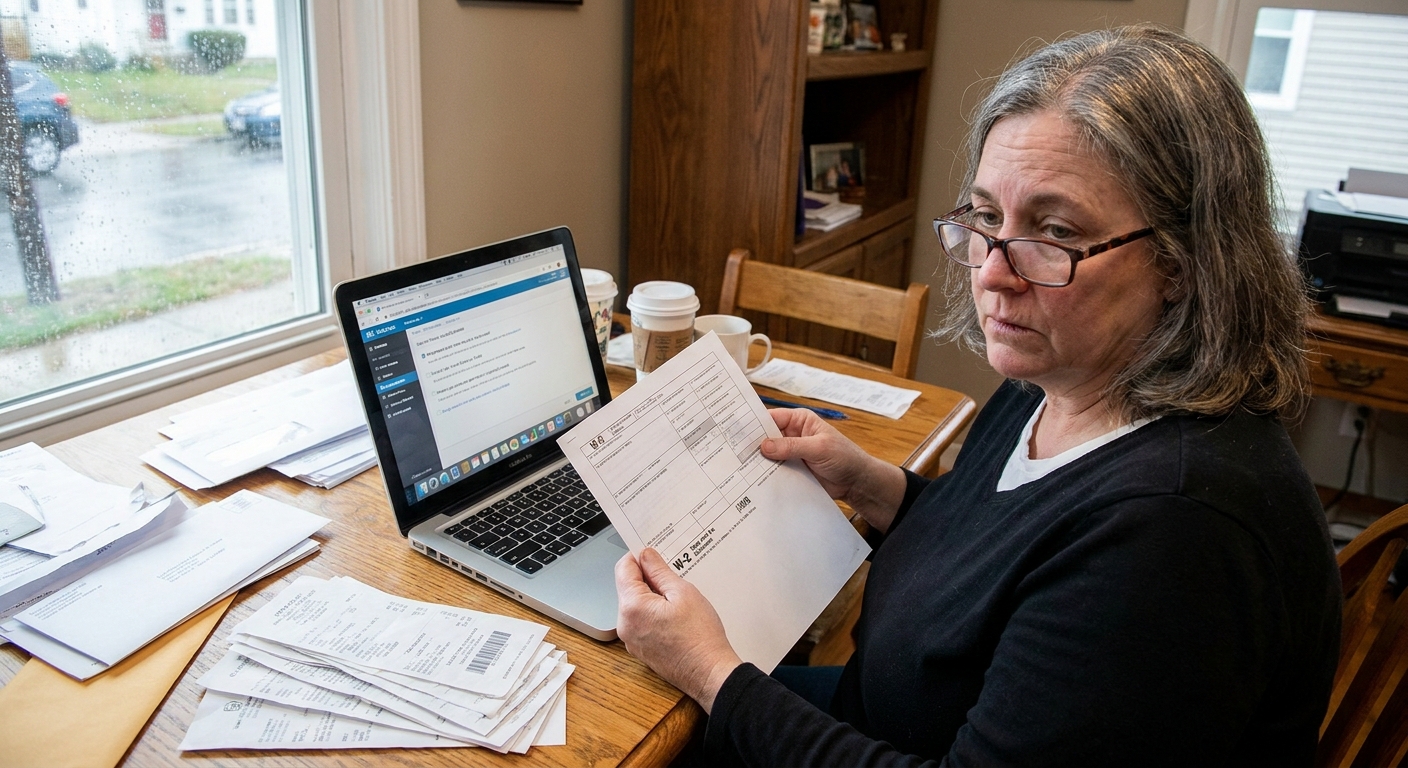
- Your employer’s EIN (Employer Identification Number). You can often find it on your W-2.
- Your start date (and end date if you left).
- Your average hours worked per week.
- The best contact for signature: usually HR, payroll, or your direct supervisor if HR is unavailable.
Quick PSLF basics
Before you spend time chasing signatures, make sure your setup can actually earn PSLF credit. PSLF credit is tied to months where you meet the key conditions, not just whether you submit forms.
- Qualifying loans: PSLF is for Direct Loans. If you have FFEL or Perkins loans, you generally need to consolidate into a Direct Consolidation Loan to pursue PSLF.
- Qualifying repayment: Months typically count when you are in a qualifying repayment status. Many borrowers use an IDR plan. The 10-year Standard plan on Direct Loans also qualifies, but it is not always the best strategy for people pursuing forgiveness.
- Qualifying employment: You must be working for a qualifying employer and meet the full-time standard during the month you want to count.
Heads up: If you are in the middle of a consolidation or a major account transfer, it can be easier to wait until the consolidation is completed and the new loan shows up in StudentAid.gov before you submit a new PSLF Form, when possible.
Step 1: Check employer eligibility
The easiest way to avoid wasted time is to check employer eligibility before you chase a signature. Use the PSLF Help Tool and search your employer using the EIN.
How to read the result
- Eligible: Great. Move forward and generate the form.
- Likely ineligible: Double check the EIN. If correct, you may not be able to count that employment for PSLF.
- Undetermined or needs more info: Common with smaller nonprofits or organizations that changed structure. Submit anyway and be ready to provide documentation if asked.
Important: For PSLF, the employer is what matters, not your job title. A nurse at a for-profit hospital is usually not PSLF-eligible, while a receptionist at a city government office usually is.
Step 2: Complete the form
Today, most borrowers complete the PSLF Form through the PSLF Help Tool, then either e-sign or print for a manual signature.
Section-by-section walkthrough
Your information
- Confirm your name and contact details are correct.
- Make sure your Social Security number is accurate. A single wrong digit can delay processing.
Employer information
- Enter the employer’s legal name and EIN.
- Use the employer’s mailing address that matches payroll records if possible.
Employment dates
- Use your actual start date.
- If you are still employed there, mark the employment as continuing. If you left, include an end date.
- Do not guess. If you are unsure, check HR or your first pay stub.
Hours and full-time standard
- For PSLF, full-time means you work an average of at least 30 hours per week.
- You can also combine multiple qualifying part-time jobs to reach the 30-hours-per-week minimum.
- List your average hours per week accurately, especially if your schedule fluctuates.
Signature method
- Electronic signature: Often faster and cleaner, if your employer participates.
- Manual signature: Print or download, get a handwritten or otherwise acceptable signature per the current PSLF Form instructions, then upload or mail as instructed.
Quick tip: If you are uploading, use a clean scan or clear photo. Blurry uploads are an underrated reason forms get kicked back.
Step 3: Get it signed
Getting the signature is usually the most annoying part. You can make it smoother by giving HR exactly what they need, in one message.
Email script you can copy
Hi [Name], I am submitting my Public Service Loan Forgiveness employment certification. Could you please complete the employer certification section and sign the attached form (or e-sign request) confirming my employment dates and average hours? Let me know if you prefer I route this through a different contact. Thank you.
Who can sign?
The signer is typically someone with access to employment records, like HR, payroll, or a supervisor with authority to certify your employment. Follow your organization’s policy, but do not assume only one person can do it.
If a past employer will not sign
This happens more than people think. Employers might have changed HR vendors, merged, shut down, or simply do not want to deal with forms.
Try these steps in order
- Ask for the right contact. Sometimes the first “no” is just the wrong person.
- Send your W-2 and pay stubs. Employers are more likely to help when you provide dates and proof.
- Escalate politely. Ask for a payroll manager or HR director.
- If the organization closed: Search for a successor organization, custodian of records, or state office that holds employment records.
If you truly cannot get a signature
Use the PSLF Help Tool guidance for the option that applies when an employer cannot or will not certify employment. The exact label in the tool can change over time, so follow the on-screen prompts and the current PSLF Form instructions.
Be prepared to submit alternative documentation like:
- W-2s for the relevant years
- Pay stubs showing employer name and hours
- Offer letter and separation letter
- Employment verification letter on company letterhead (if you can obtain it)
Real talk: Unsigned employment is harder to approve and review standards can be strict. Education may request additional proof, so keep as much documentation as you can. Do not wait until you are at 118 payments to discover an employer from 7 years ago will not respond. Handle questionable employers as soon as possible.
Common mistakes
Most delays are preventable. Here are the issues I see come up over and over:
- Wrong EIN (especially when people use a parent company EIN instead of their local entity).
- Employer name mismatch versus payroll records.
- Missing or incorrect employment dates, including leaving end dates blank when you are no longer employed.
- Hours not listed, or listed in a way HR cannot certify.
- Signature problems like missing date, an unaccepted signature type, or the wrong person signing.
- Submitting during account changes, like submitting while a consolidation is still processing or before the new Direct Consolidation Loan appears in StudentAid.gov, which can muddy your history.
- Assuming “paid” equals “qualifying.” A month generally needs the right combo of qualifying employer, qualifying loan type, and qualifying repayment status to count.
Submit and track progress
After your form is signed, submit it exactly as directed in the PSLF Help Tool. Upload is usually fastest. Then track your progress in one main place.
Where to track
- Your StudentAid.gov PSLF tracker (this is where your qualifying payment count and form status are updated).
How long does it take?
Processing times can vary a lot depending on volume. If your status or counts do not update after a reasonable processing window, log into StudentAid.gov and review your PSLF status, notices, and any requests for additional information tied to your submission.
Keep your own mini-records
I recommend keeping a simple folder (digital is fine) with:
- A PDF of every submitted PSLF Form
- Proof of submission (confirmation page or email)
- Any employer correspondence
- W-2s and a few representative pay stubs

Simple checklist
- Use PSLF Help Tool to verify employer with the correct EIN
- Confirm your employment dates and average hours
- Make sure the signer is authorized and signs and dates correctly
- Submit via the recommended method (upload if available)
- Save a copy of the signed form and submission confirmation
- Check StudentAid.gov until your qualifying payment count updates
- Repeat annually and whenever you change employers
Annual timeline
You do not need to certify employment every month. You just need to do it consistently enough that problems get caught early.
My low-stress routine
- Month of your work anniversary: Submit a PSLF Form for the prior 12 months.
- Within 1 week: Save your submission confirmation and set a calendar reminder to check the tracker.
- 30 to 90 days later: Confirm your qualifying payment count updated correctly on StudentAid.gov.
- Anytime you change jobs: Submit a PSLF Form for the employer you are leaving, then submit a new one after you start the next qualifying job.
Calendar hack: Set two reminders: one to submit, one to verify your count updated. Most people only do the first one.
FAQs
Should I submit a PSLF Form if I am not sure my payments qualify?
Yes. The form is about verifying employment. It is still useful because it gets your employer on record and triggers a count review.
Do I need a separate form for each employer?
Yes. Each employer certifies only the time you worked for them.
What if my employer qualifies but I worked part-time?
Part-time can still work if you average at least 30 hours per week for a qualifying employer. If you have more than one qualifying part-time job, you can combine them to reach the 30-hours-per-week minimum. The key is that each job must be with a qualifying employer and the hours need to be documentable.
What if my loans transfer to a different servicer?
This is exactly why you keep copies of every form and confirmation. Your records are your safety net .
Bottom line
The PSLF Form (commonly called the ECF) is not just another box to check. It is the mechanism that turns your public service work into verified progress toward forgiveness. If you submit it annually, keep clean records, and fix employer issues early, you will save yourself a lot of stress later.
If you want, tell me your employer type (city, school district, hospital, nonprofit) and whether you are trying to certify current employment or a past job. I can point out the most common tripwires for your situation.