
If you have ever thought, “Why does my car registration feel like a surprise every single year?” you are not alone. I used to treat predictable expenses like they were random emergencies, then wonder why my credit card balance kept creeping up.
A sinking fund fixes that. It is simply a small pile of money you set aside every month for an expense you know is coming, even if you do not know the exact date or exact amount.

What a sinking fund is (and what it is not)
A sinking fund is money you deliberately save for a specific upcoming expense. You “sink” money into it over time so the bill does not sink your budget later.
Sinking fund vs emergency fund
- Sinking fund: for planned expenses like holiday gifts, annual subscriptions, vehicle registration, routine medical and dental, back-to-school, home maintenance.
- Emergency fund: for true surprises like job loss, urgent travel, or a transmission that fails out of nowhere.
If you are currently rebuilding your finances, do not wait for “perfect.” You can do both at once in small amounts. Even $25 a month into a sinking fund reduces future credit card dependence.
Why sinking funds help you avoid debt
Often, consumer debt is not caused by one massive disaster. It is caused by a bunch of medium-sized, mostly predictable costs that hit before you have cash ready.
Sinking funds help because they:
- Flatten your budget so expensive months are less stressful.
- Reduce credit card use for things you already knew were coming.
- Let you spend on purpose because you planned for it.
Step 1: List your annual expenses
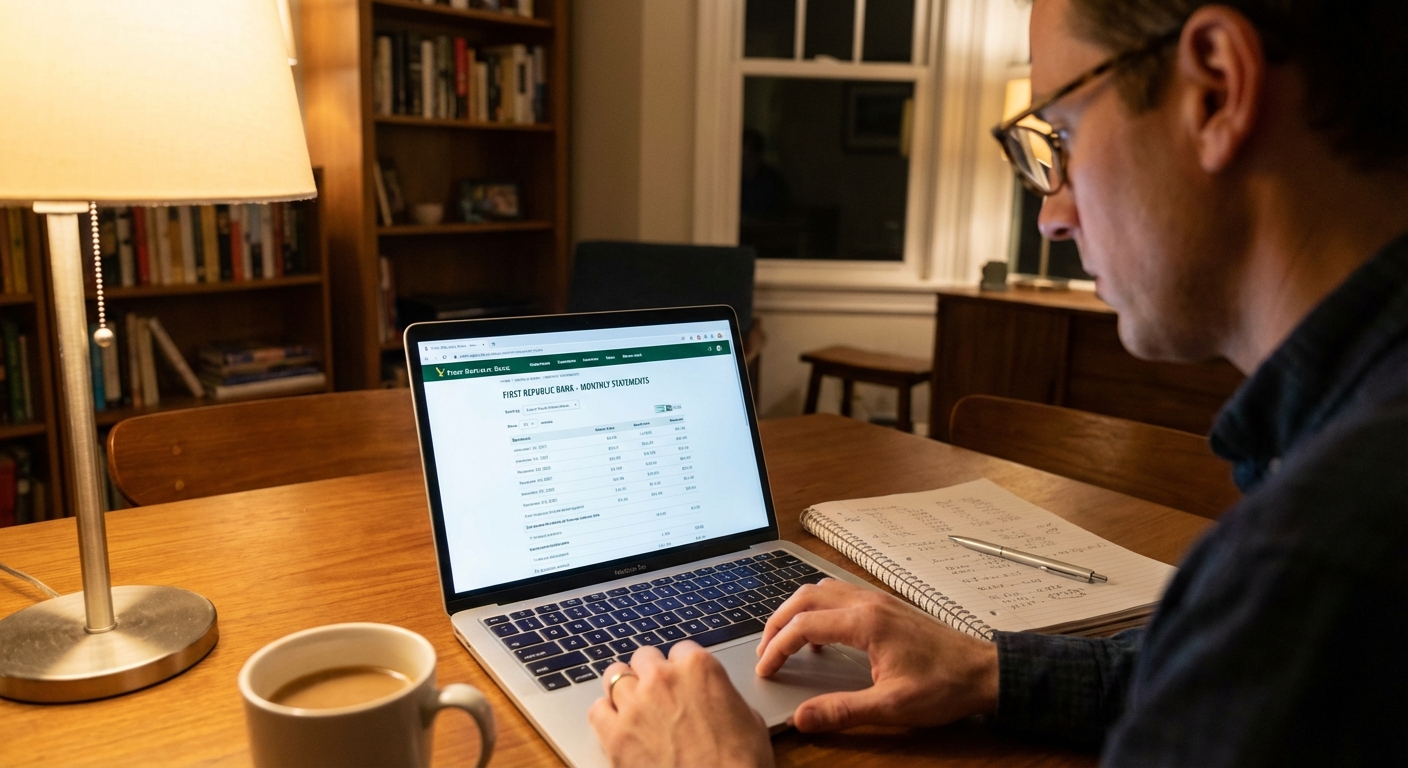
Start with the last 12 months of bank and credit card statements. Highlight anything that was not monthly but still pretty expected.
Common sinking fund categories
- Holidays and gifts
- Birthdays and celebrations
- Vehicle registration and tags
- Car insurance (if paid semi-annually or annually)
- Oil changes and basic maintenance
- Medical, dental, vision (copays, prescriptions, braces retainers, new glasses)
- Annual subscriptions (Amazon Prime, Costco, app renewals)
- Back-to-school
- Travel you take most years
- Home maintenance (gutter cleaning, HVAC tune-up, pest service)
Step 2: Decide how much to save
Here is the formula I use in my spreadsheets:
Monthly sinking fund amount = (Estimated cost ÷ Months until due)
If the expense happens multiple times per year, use the yearly total. If it is coming up soon, adjust the months until due.
One important note: after you pay the bill, restart the cycle for the next due date (so “months until due” resets).
Example: vehicle registration (two scenarios)
Say your registration is $180.
- If it is due in 12 months: $180 ÷ 12 months = $15 per month.
- If it is due in 9 months: $180 ÷ 9 months = $20 per month.
Example: holiday gifts
Let’s say you want $600 for November and December spending and you are starting in January.
- $600 ÷ 12 months = $50 per month.
Example: medical out-of-pocket
If you typically spend $400 a year on copays and prescriptions:
- $400 ÷ 12 = about $34 per month.
Tip: If your numbers are messy, round up slightly. I would rather have $40 sitting there than be short when the bill hits.
Step 3: Pick a system you will keep
You have three solid options. The “best” one is the one you will still use when life gets busy.
Option A: One savings account, tracked by spreadsheet
This is my value-spender favorite (I like simplicity, but I still want intentional spending). One high-yield savings account, then you track each category in a spreadsheet (or notes app). You get simplicity plus interest.
- Pros: clean setup, fewer accounts, easy automation
- Cons: requires tracking so you do not “borrow” from yourself accidentally
Option B: Multiple savings accounts
Some banks let you create separate savings accounts quickly. This can work well if you hate spreadsheets.
- Pros: very visual, less tracking
- Cons: more accounts to manage, some banks limit how many you can open or how they display them (it depends on your bank)
Option C: Buckets inside one account
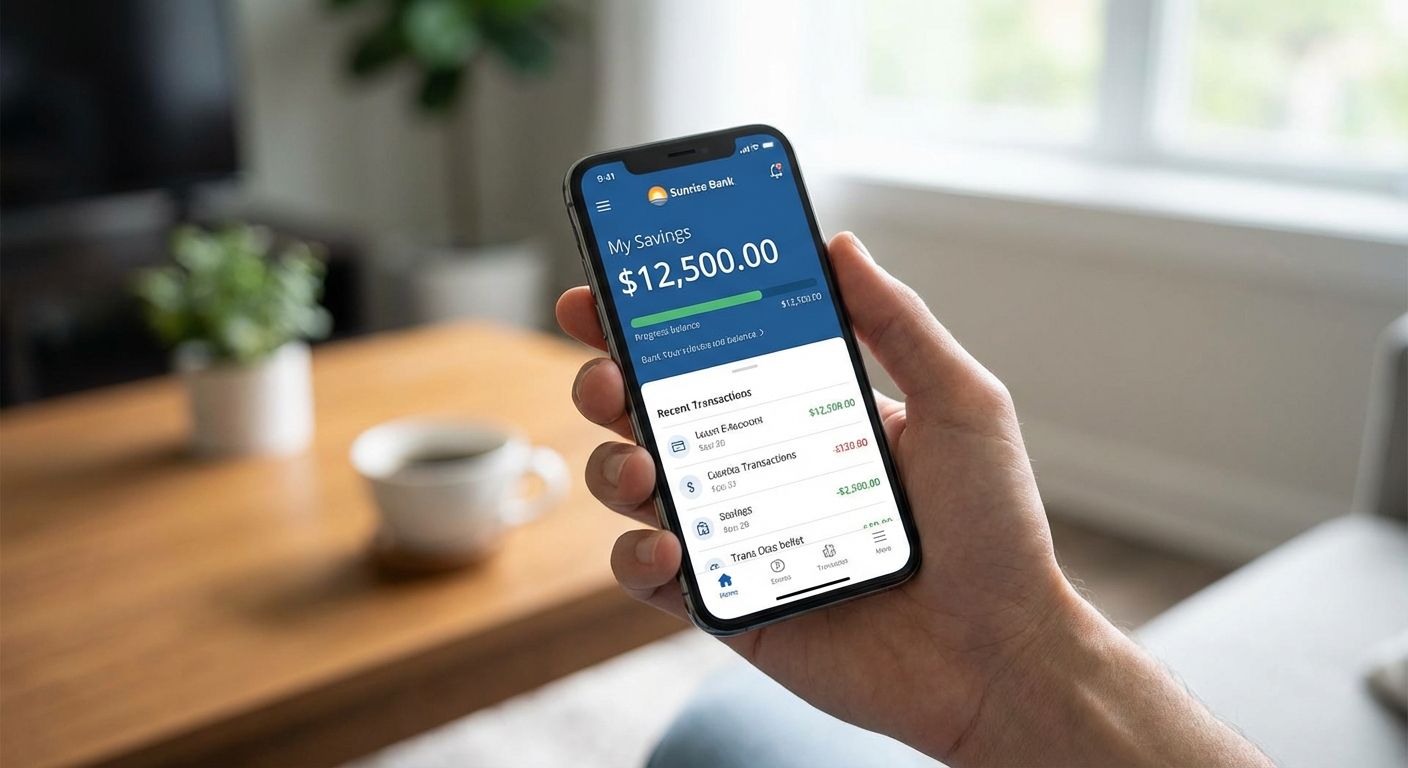
Many banks and fintech apps offer “vaults” or “buckets” within one savings account.
- Pros: organized without multiple accounts
- Cons: features vary by provider, and moving money out can be instant or take a day or two depending on transfer type
Step 4: Automate it
Automation is the difference between “nice idea” and “this changed my life.” Here are two ways to do it.
Automation method 1: One monthly transfer
Add up all your monthly sinking fund amounts and move that total to savings each payday or once per month.
- Holidays: $50
- Registration: $20
- Medical: $40
- Total transfer: $110 per month
Automation method 2: Transfers per category
If you use multiple accounts or buckets, set each transfer individually. It feels more “locked in,” but it is a little more setup.
My rule: Schedule transfers for the day after payday. If the money never sits in checking, you are less likely to spend it on random extras.
If you are paycheck-to-paycheck
If transfers have ever triggered overdrafts or tight weeks, start by building a small buffer in checking first. Even $100 to $300 can make automation feel safe instead of stressful.
How to use sinking funds
When the expense hits, use the fund
If the bill is due, the sinking fund has done its job. Transfer the money back to checking and pay the bill, or pay directly from savings if your bank allows it.
If the bill is on auto-pay
If something is drafted from checking (or charged to a card automatically), set a reminder a few days before the due date to move the sinking fund money into checking. That way the cash is there when the auto-pay runs.
Do not “borrow” for random spending
This was a huge lesson for me while paying off debt. If you borrow from your holiday fund in June, you just created a December problem.
What if the cost is higher than expected?
- First: Cover the gap from your current month budget if possible.
- Second: If it is a true surprise, use your emergency fund.
- Third: Update the sinking fund amount for next year so it is accurate.
Starter funds (if you are overwhelmed)
If you are starting from zero, do not create 14 categories on day one. Start with the ones that most commonly cause credit card use.
- Holidays and gifts (even $20 a month helps)
- Car expenses (registration plus basic maintenance)
- Medical (copays and prescriptions)
Once those are running smoothly, add subscriptions, travel, and home maintenance.
Realistic example
Here is what a beginner-friendly sinking fund plan might look like:
- Holidays and gifts: $600 per year → $50/month
- Vehicle registration: $180 per year → $15/month (or $20/month if it is due sooner, like in 9 months)
- Medical: $480 per year → $40/month
- Annual subscriptions: $240 per year → $20/month
Total: about $125 to $130 per month.
If that number makes your stomach drop, start with $25 to $50 total and scale up. Progress beats perfection every single time.
Where to keep sinking funds
For most people, a high-yield savings account is a sweet spot because it is separate from checking, earns interest, and is still accessible.
- If you are tempted to spend it, keep it at a different bank than your checking.
- If you need quick access, choose a bank with fast internal transfers (timing varies by bank and transfer type).
Important: Sinking funds are not meant to be long-term investing money. Keep them stable and accessible. Depending on your timeline and access needs, a HYSA, money market account, or a short CD can all make sense.
Small tax note: Interest earned in savings is taxable in many places. It is usually not a dealbreaker, just something to expect.
Common mistakes
1) Setting the amount too low
If you guessed and stayed optimistic, you will feel short later. Look at last year’s real spending and adjust.
2) Forgetting non-annual but predictable costs
Quarterly pest control or semi-annual car insurance is still predictable. Add it.
3) Creating too many categories
Start with 3 to 5 categories. Add more after the habit is automatic.
4) Treating sinking funds like extra money
That money already has a job. If you want more fun spending, create a separate “fun” category in your budget.
Quick-start checklist
- Pull the last 12 months of statements
- List your predictable non-monthly expenses
- Estimate each cost and due month
- Divide by months until due to get a monthly amount
- Choose your system (one account, multiple accounts, or buckets)
- Automate transfers right after payday
- Move money to checking a few days before auto-pay bills run
- Review and adjust every 3 months
FAQ
How many sinking funds should I have?
Enough to cover the big planned categories that derail your budget. For most households, 3 to 8 categories is plenty.
Should I pause sinking funds while paying off debt?
Not completely. If predictable expenses push you back onto credit cards, that slows your payoff. I would keep at least small sinking funds for the categories that always pop up, especially holidays and car costs.
What if I use a credit card for rewards?
That is fine as long as the sinking fund cash is already set aside and you pay the card in full when the charge posts. The sinking fund is your backup, not the credit limit.
Bottom line
Sinking funds are one of those boring money tools that quietly changes everything. When annual expenses stop feeling like emergencies, your budget gets calmer, your debt stays lower, and you can actually enjoy the things you spend on because you planned for them.
If you want a simple next step, pick one category that always hits at the worst time, set up a monthly auto-transfer, and let future you breathe easier.