
If you've ever paid a bill late even though you had the money, you already know the real problem is not math. It's timing and attention. The good news is automation can handle a lot of both, as long as you set it up with a little cushion and a quick way to double-check things.
When you automate your banking, you're basically building a simple system that routes money to the right places on the right dates. Bills get paid, your savings grows, and your credit score is less likely to take a hit from a random missed due date.
Below is the exact setup I'd use if I were starting over. It's practical, low drama, and it works even if you don't enjoy budgeting.
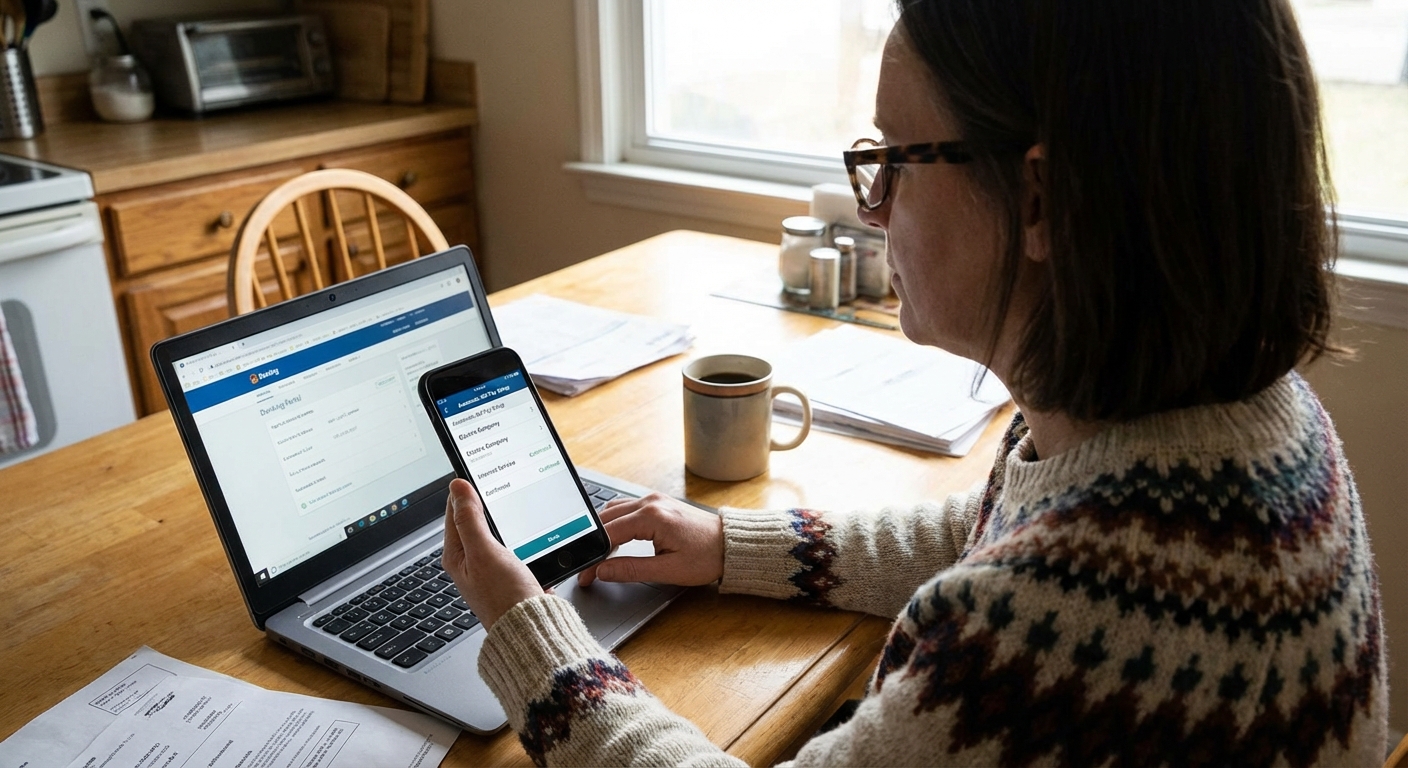
What to automate first (and what to keep manual)
Not everything should be on autopilot right away. Your goal is to automate the stuff that's predictable and high consequence first.
Automate these first
- Minimum payments on all debt (credit cards, personal loans, student loans) to avoid late fees and credit dings.
- Fixed bills like rent, mortgage, car payment, insurance, and internet when the amount is stable.
- Savings transfers to a separate savings account that isn't your everyday spending account.
Consider keeping these manual (or set guardrails)
- Credit card full statement balance if your income is irregular or your balance swings a lot. You can automate the minimum and pay the rest manually after you review. If you want to avoid interest and your cash flow is steady, set autopay to the statement balance (not the current balance) so you know the exact amount and date.
- Utilities if you regularly have cash flow tight weeks. Autopay is still fine, just pick a date that matches payday and keep a buffer.
- Subscriptions if you tend to churn services. I prefer using a dedicated card for subscriptions so it's easy to audit and cancel.
The 5-account flow that makes automation easy
You do not need five accounts to succeed. But separating money by job makes automation smoother because each account has one purpose.
One quick note: if you open extra accounts, try to use no-fee options and watch for minimum balance rules so your “system” doesn't quietly create monthly charges.
- Income Checking: where paychecks land.
- Bills Checking: autopay comes out of here.
- Spending Checking: groceries, gas, fun, everyday life.
- Emergency Fund Savings: boring and beautiful.
- Goal Savings: travel, car replacement, house down payment, whatever you're building.
If you don't want multiple checking accounts, you can still do this with one checking account and two savings accounts. The key is separating bills money from spending money so you stop accidentally spending next week's rent.
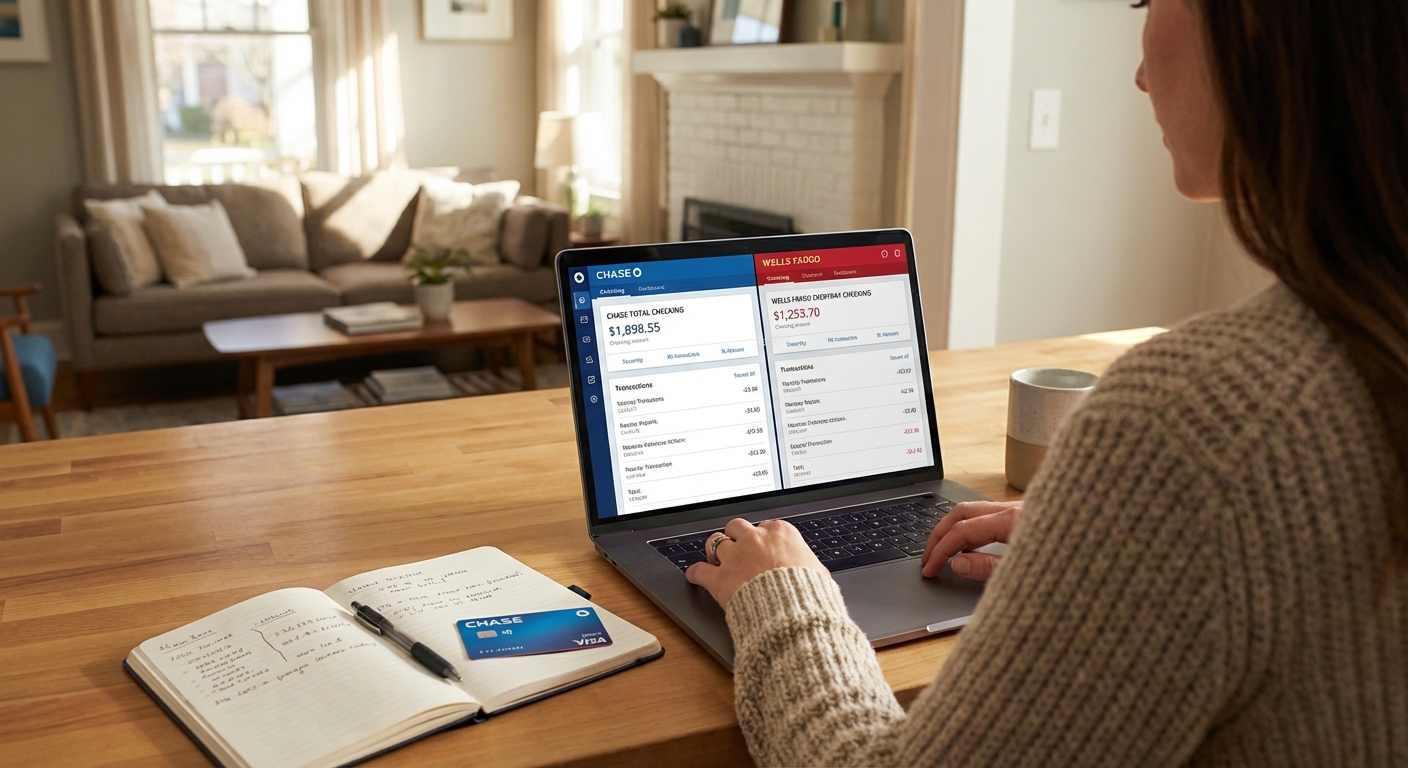
Step 1: Pick two money days
Automation works best when it follows your paycheck schedule. Choose two recurring days that you can remember:
- Payday: money gets sorted automatically.
- Bill Day: bills go out after the sorting happens.
If you get paid every two weeks, you can still do this. Just use your actual pay date as “Payday,” and set most bills to be due a few days later.
If your bill due dates are scattered, call or chat with providers. Many will let you change your due date, but it depends on the company (and sometimes the type of account). Even shifting a couple of big bills can make your whole system calmer.
Step 2: Build a buffer
The biggest autopay fear is an overdraft. The fix is a buffer you pretend doesn't exist.
My simple buffer rule
- Start with $200 in your Bills Checking.
- Then grow it to one week of bills.
- Eventually aim for one full month of bills if your budget allows.
That buffer is not extra spending money. It's a seatbelt.
Turn on these bank protections
- Low balance alerts on Bills Checking (example: alert me at $150).
- Overdraft settings that make sense for you. Many banks let you link savings as a backup, and some let you opt out of “overdraft coverage” on debit card purchases, which can help you avoid fees.
- Transaction alerts for withdrawals above a certain amount to catch surprises fast.
Step 3: Set up autopay safely
There are two ways to autopay: through the biller (the company you pay) or through your bank's bill pay. Both can work. I generally prefer biller autopay for most recurring bills, and bank bill pay for one-off or oddball payments.
Also, keep in mind that autopay isn't magic. ACH delays, maintenance windows, and card replacements can cause hiccups. The goal is fewer missed payments, not a perfect world.
Before you turn on autopay
- Confirm the right account (routing and account number, or the exact card).
- Confirm the first draft date and whether weekends or holidays shift it.
- Confirm processing time (some payments take a few days to land).
Option A: Biller autopay
This is when you log into the utility, lender, or insurance portal and turn on autopay there.
- Best for: loans, credit cards, insurance, rent portals, subscriptions.
- Tip: choose “minimum payment” for debt if your cash flow is tight, then add extra payments manually when you can.
- Rent and mortgage note: rent portals sometimes charge card fees, so ACH from your bank account can be cheaper. Mortgages are often smoothest as an ACH pull by the lender or a scheduled payment pushed from your bank, depending on what your servicer supports.
Option B: Bank bill pay
This is when your bank sends the payment for you, either electronically or by check.
- Best for: smaller local providers, childcare, or any biller with a clunky payment portal.
- Tip: set bill pay dates earlier than the due date because delivery times can vary.
My autopay checklist
- Confirm the exact due date and whether weekends shift processing.
- Set autopay for 2 to 5 days after payday when possible.
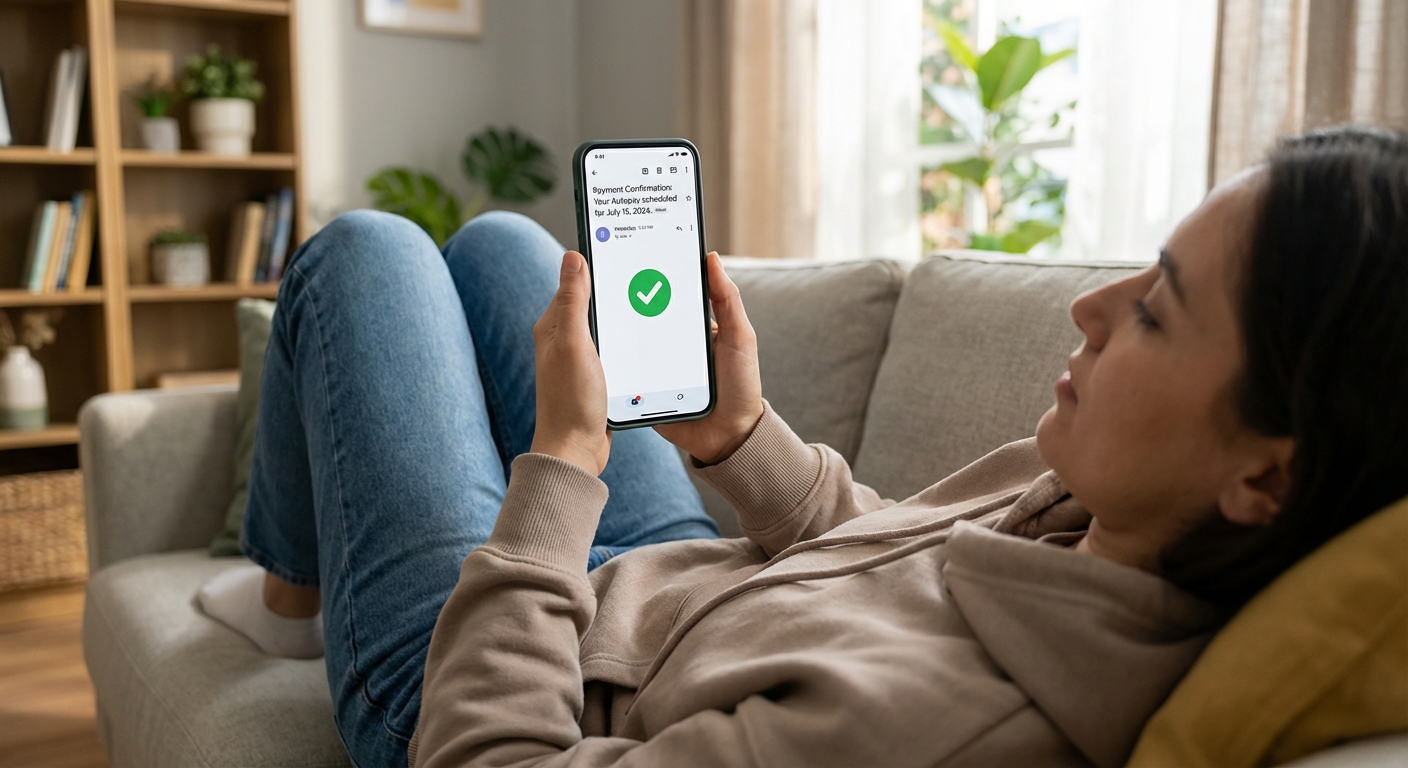
- Save confirmation emails or screenshots in a “Bills” folder.
- Recheck the first payment cycle to confirm it posted correctly.
Step 4: Automate saving
This is where the wealth-building happens. Saving works best when it's automatic and slightly inconvenient to undo.
Start with one automatic transfer
Set an auto-transfer from Income Checking to a high-yield savings account.
- When: same day as payday or the morning after.
- How much: start with $25 to $100 per paycheck if you're not sure. The win is consistency.
- Name it: “Emergency Fund” so you don't mentally treat it like spare cash.
Use the two-savings approach
- Emergency Fund: for true emergencies only.
- Goal Fund: for planned expenses like holiday gifts, travel, car repairs, and annual insurance premiums.
When you save for predictable expenses, you stop needing credit cards for things you knew were coming.
Step 5: Extra debt payments
If you're paying down debt, automation can keep your momentum going even when life gets busy.
Two smart ways to do it
- Fixed extra payment: Add a set amount to the minimum payment each month (example: minimum + $75). Great for stability.
- Scheduled sweep payment: Transfer a smaller amount weekly (example: $25 every Friday). Great for people who like smaller hits.
If you have multiple debts, you can automate the minimums everywhere and focus your extra payments on one target balance at a time.
If you do nothing else, at least automate minimum payments. Late payments are expensive and they can do real damage to your credit profile.
Keep it reliable with 3 monthly checkups
Automation isn't a one-time setup. It's a system that needs tiny check-ins so it stays trustworthy.
Checkup 1: Subscription audit (5 minutes)
- Scan your last 30 days of transactions.
- Cancel anything you forgot about or don't use.
- If you can, move subscriptions to one card so the audit is easier next month.
Checkup 2: Bills review (5 minutes)
- Confirm the next month's due dates and amounts.
- Watch for annual renewals and price increases.
- Do a quick “did everything post?” check for your autopays, especially if you recently changed cards or bank accounts.
Checkup 3: Savings bump (2 minutes)
- Every time you get a raise, pay off a loan, or cut an expense, increase your auto-transfer by a small amount.
- Even a $20 bump compounds into real progress over a year.
Common automation mistakes
Putting everything on autopay from one account
This is how you accidentally spend bill money on everyday stuff and then wonder why rent is “suddenly” tight. Use a Bills Checking account or a dedicated “bills bucket” savings account if your bank supports it.
Scheduling autopay before your paycheck clears
If payday is Friday, set bills to pull Monday or Tuesday when possible. It gives you a cushion for timing quirks.
Autopaying the full credit card balance without a buffer
Full balance autopay is awesome if your cash flow is steady. If it isn't, automate the minimum and pay extra manually after you review your statement. If you can swing it, autopaying the statement balance is usually the sweet spot.
Never turning on alerts
Alerts are the whole safety net. Low-balance alerts and large-transaction alerts catch problems while they're still small.
Skipping basic security
Turn on multi-factor authentication, use a strong password manager, and enable alerts for new payees or new logins if your bank offers them. Automation is easier to trust when your accounts are locked down.
A simple setup to copy
If you want a plug-and-play starting point, here's a setup that works for a lot of households:
- Payday: paycheck lands in Income Checking.
- Same day: auto-transfer to Emergency Fund. If you're building your first buffer, starting at $25 to $50 is fine. If you're more established, 5% to 10% can work. If you have an employer match on retirement contributions, that is often worth prioritizing too.
- Next day: auto-transfer a fixed amount to Bills Checking to cover the next two weeks of bills.
- 2 to 5 days after payday: autopay runs for minimum debt payments and fixed bills.
- Weekly: small auto-transfer to Goal Savings for planned expenses.
After one month, adjust the amounts based on what actually happened. Your first version doesn't need to be perfect. It just needs to be running.

Quick FAQ
Will autopay help my credit score?
Autopay doesn't directly boost your score, but it helps you avoid late payments, which absolutely protects your score. That alone can be a huge win.
Should I use my debit card or bank account for autopay?
For big bills, I prefer using a bank account because debit card numbers can change if your card is replaced. For subscriptions, a credit card often has stronger fraud protections than debit and makes auditing easier, as long as you pay it responsibly and keep an eye out for card reissues and expired cards.
What if my income is irregular?
Automate minimums, build a bigger buffer, and base bill timing around your most reliable income deposits. You can keep variable bills manual until your buffer grows.
Bottom line
Automation isn't about being perfect with money. It's about making doing the right thing the default setting.
Start small: automate minimum payments, separate your bills money, and set one savings transfer on payday. Give it one month, tweak it, and you'll be amazed how much lighter your mental load feels.